


- Home
- Private Clients
- Help
- Device settings
How to set up the Internet on Beeline Smart
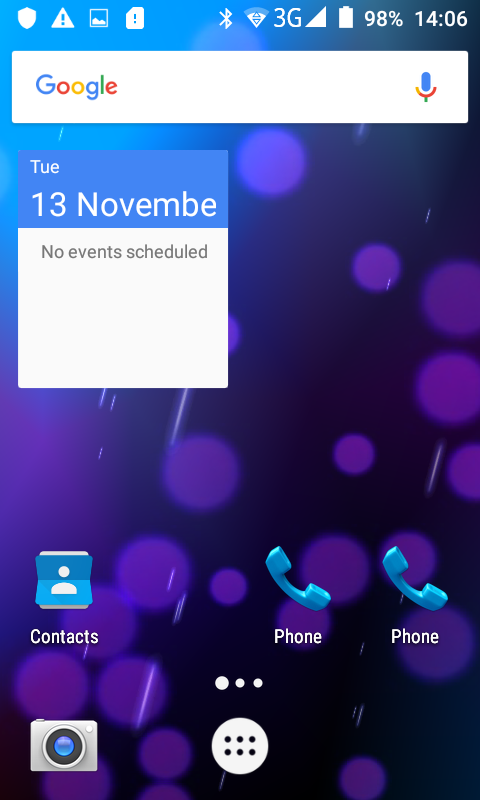
Enter the "Main Menu"
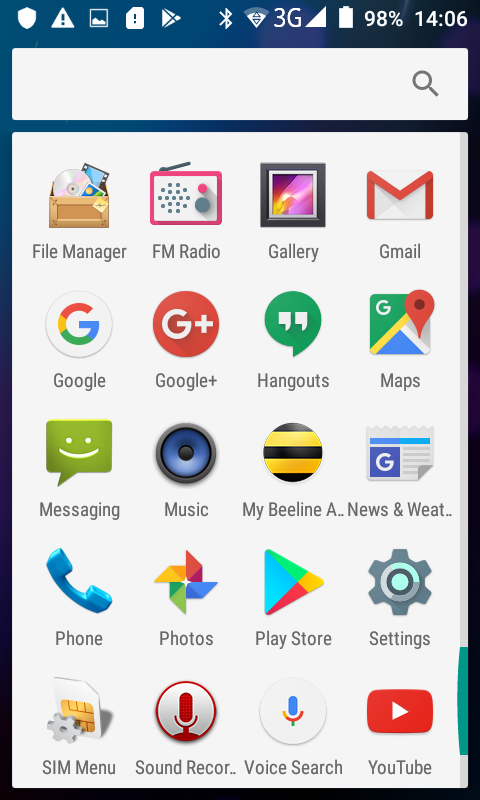
Open the “Settings”
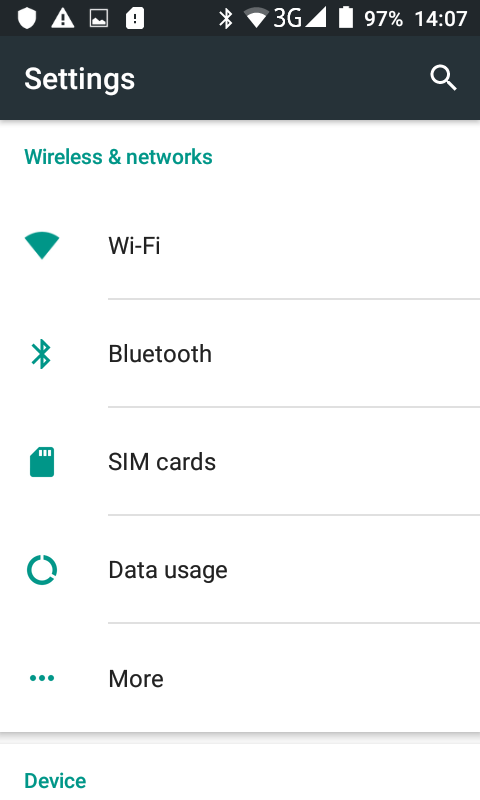
Open the “More” section
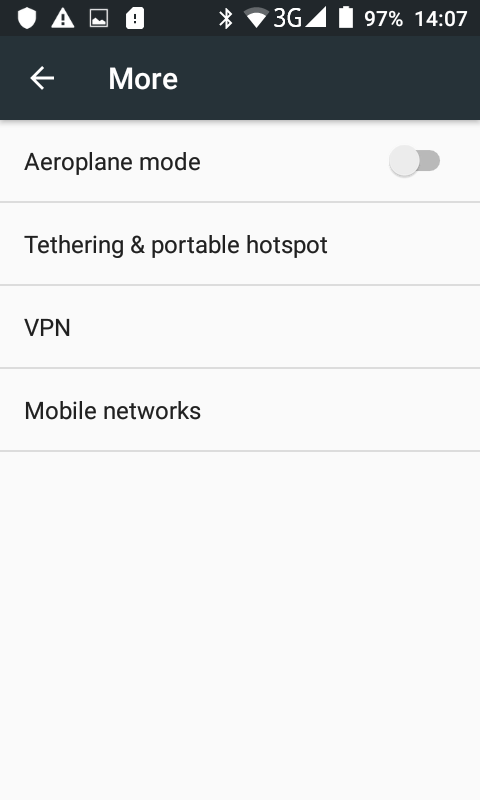
Open the «Mobile networks» section
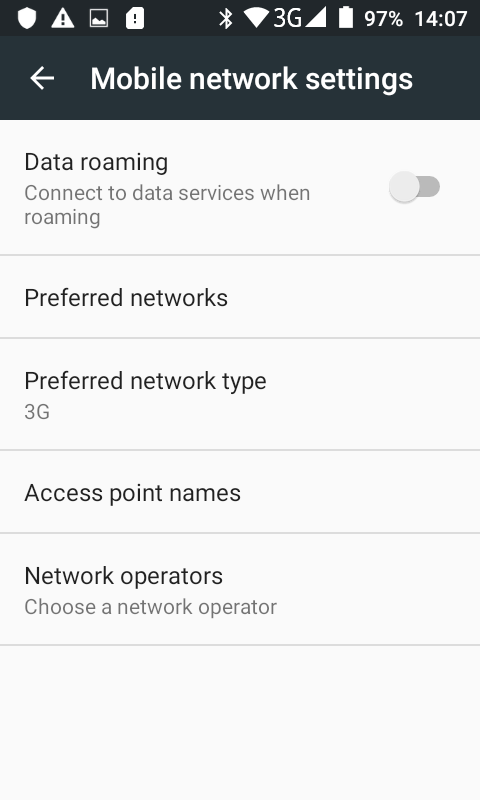
Enter the “Access point names” section
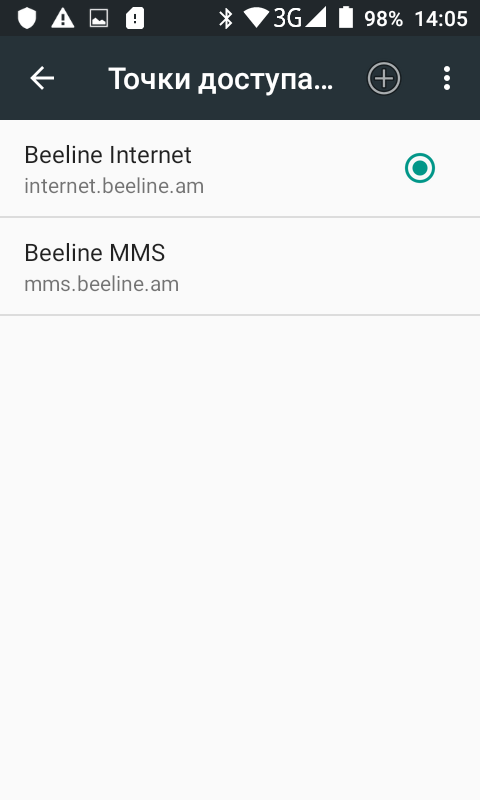
Click the "Add" button
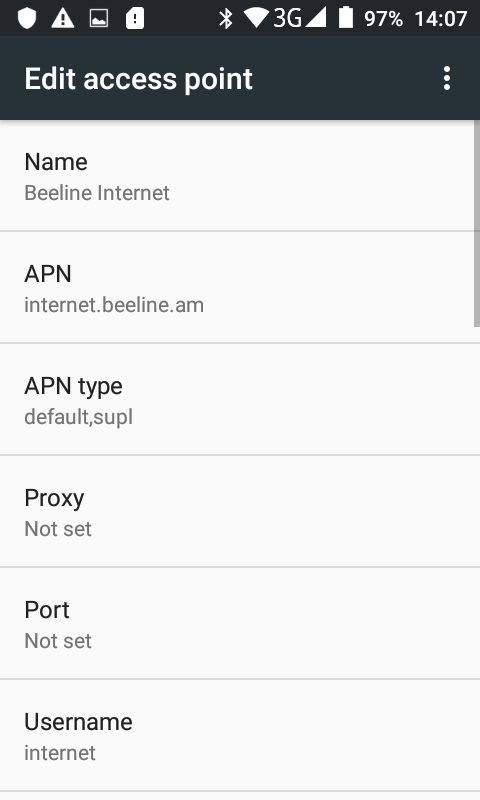
Fill in the following fields: APN – internet.beeline.am Username – internet
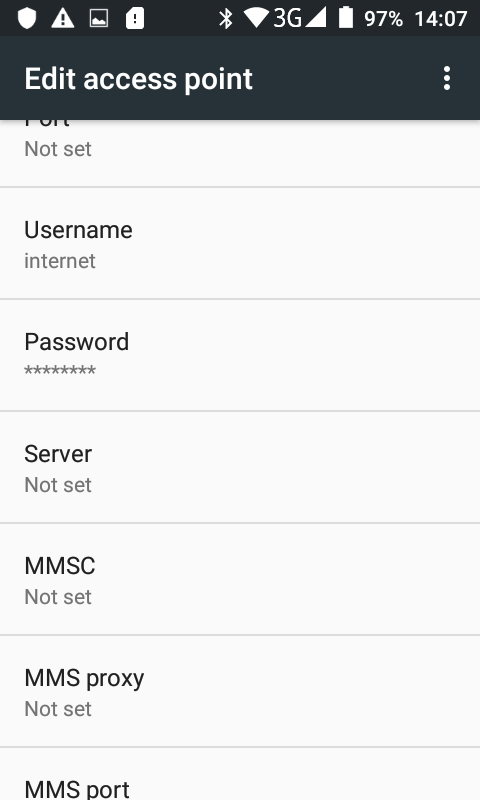
Fill in the next field Password – internet
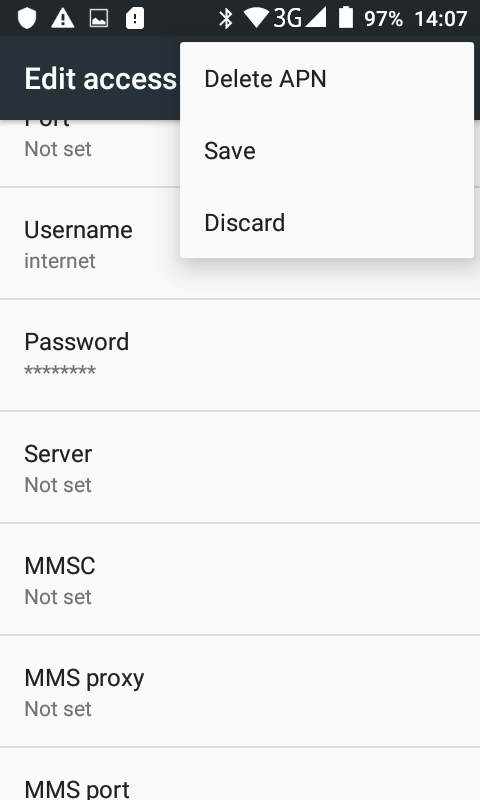
After that click the “Save” button