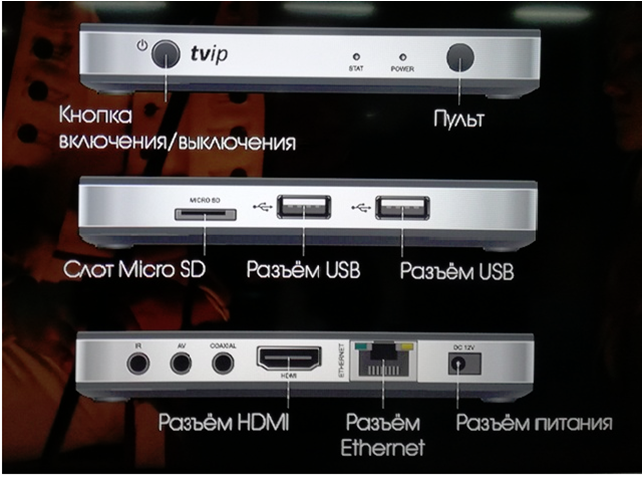
The figure displays slot descriptions.
On/off button,
Receiver for remote controller,
MicroSD slot,
USB slot *2,
HDMI slot(connects to TV),
Ethernet slot(connects to router),
Power slot.
Before go to the connection setup, select preferred language: Settings- Language- English,
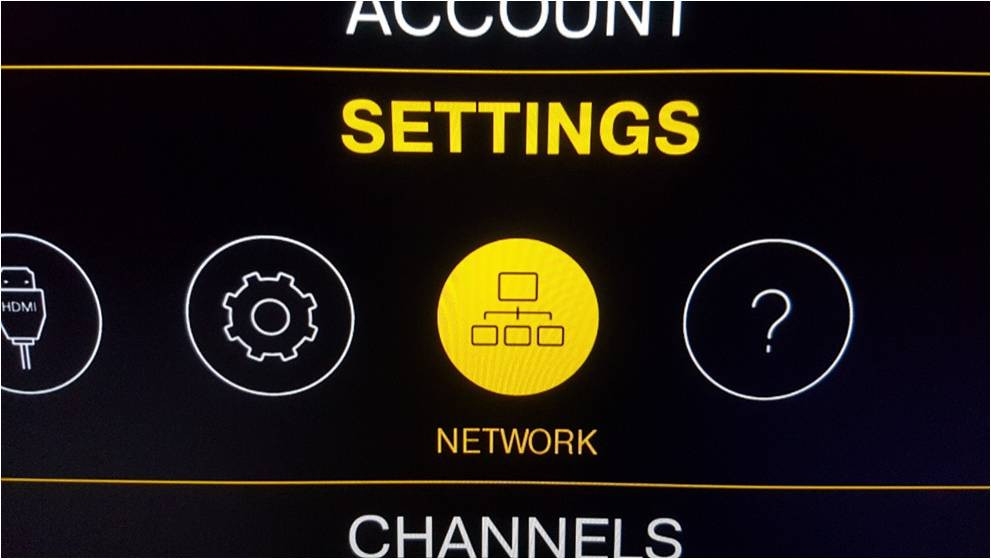
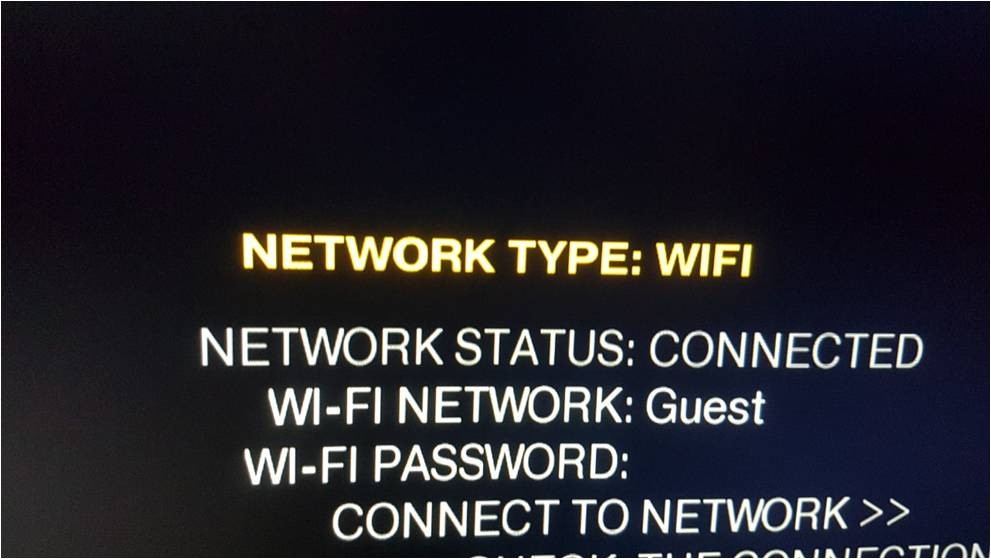
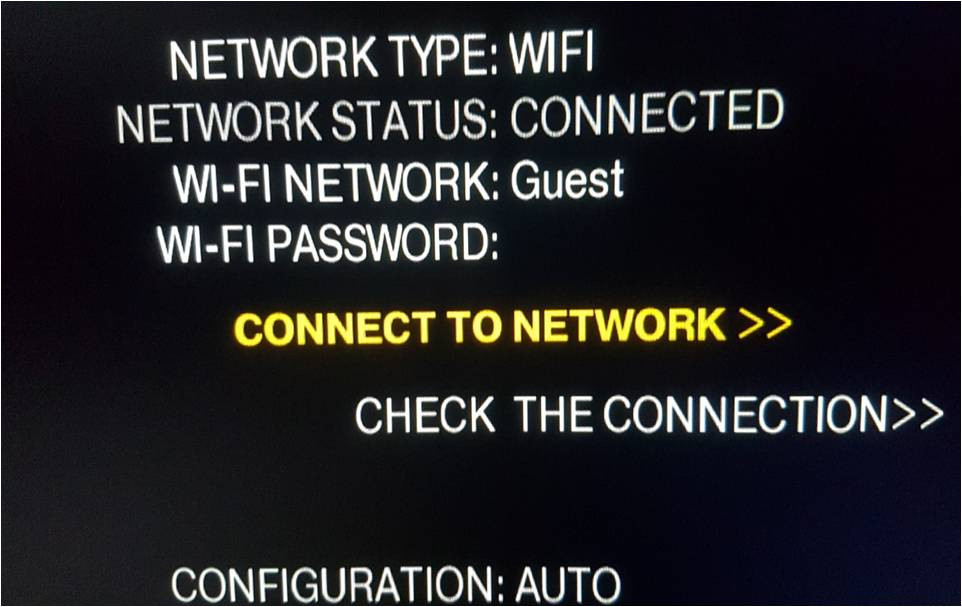
To connect to the network via WiFi, select Menu-Settings-Network,
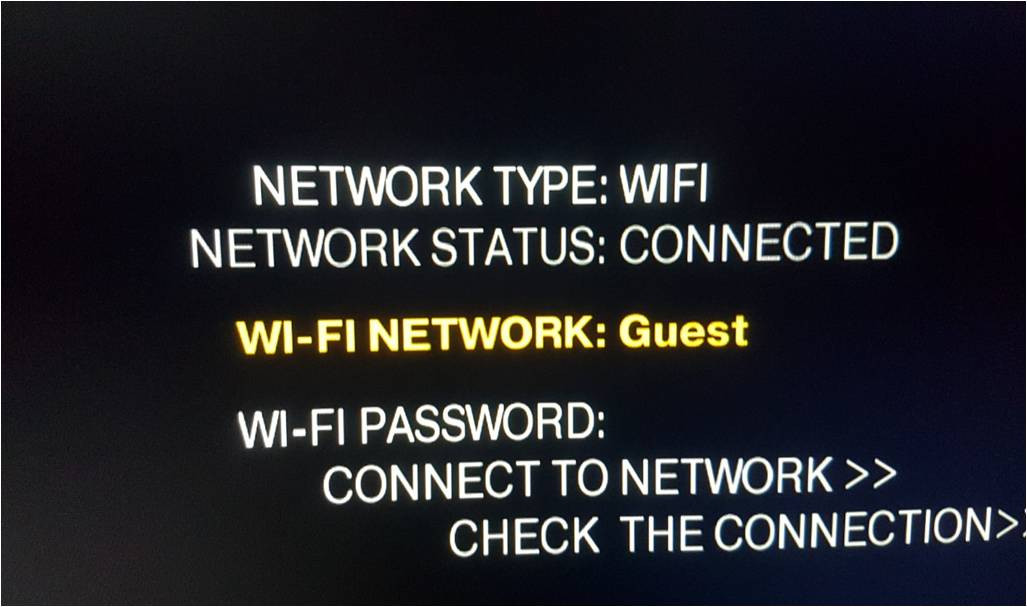
Choose Connection: WiFi,
Choose your WiFi name and enter the password,
Click on Connect to the network.
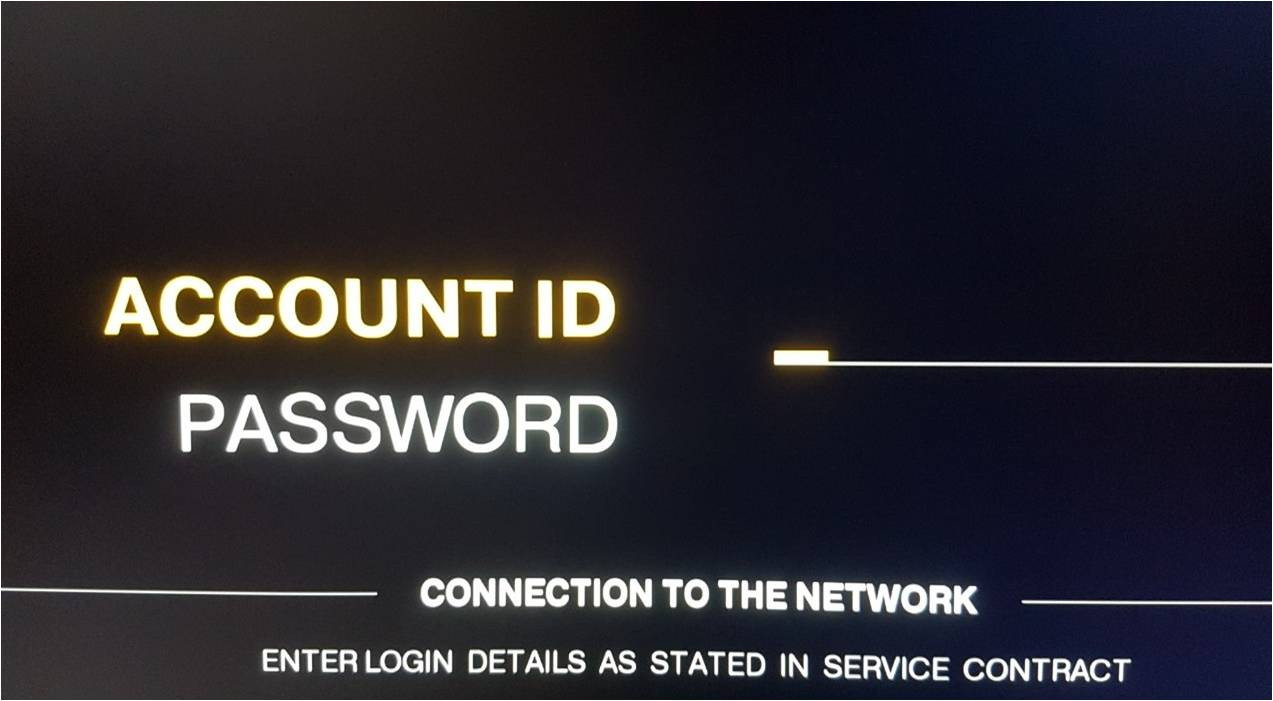
After connecting to the network, enter the Account ID and Password specified in your contract.