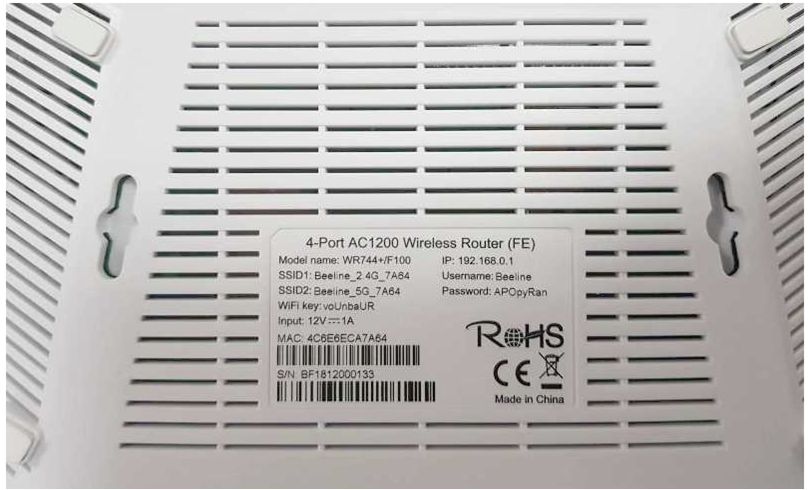
To enter the modem menu in the factory settings, you can use the instructions described underneath the modem.
For WR744+/ Beeline F100 modem configuration:
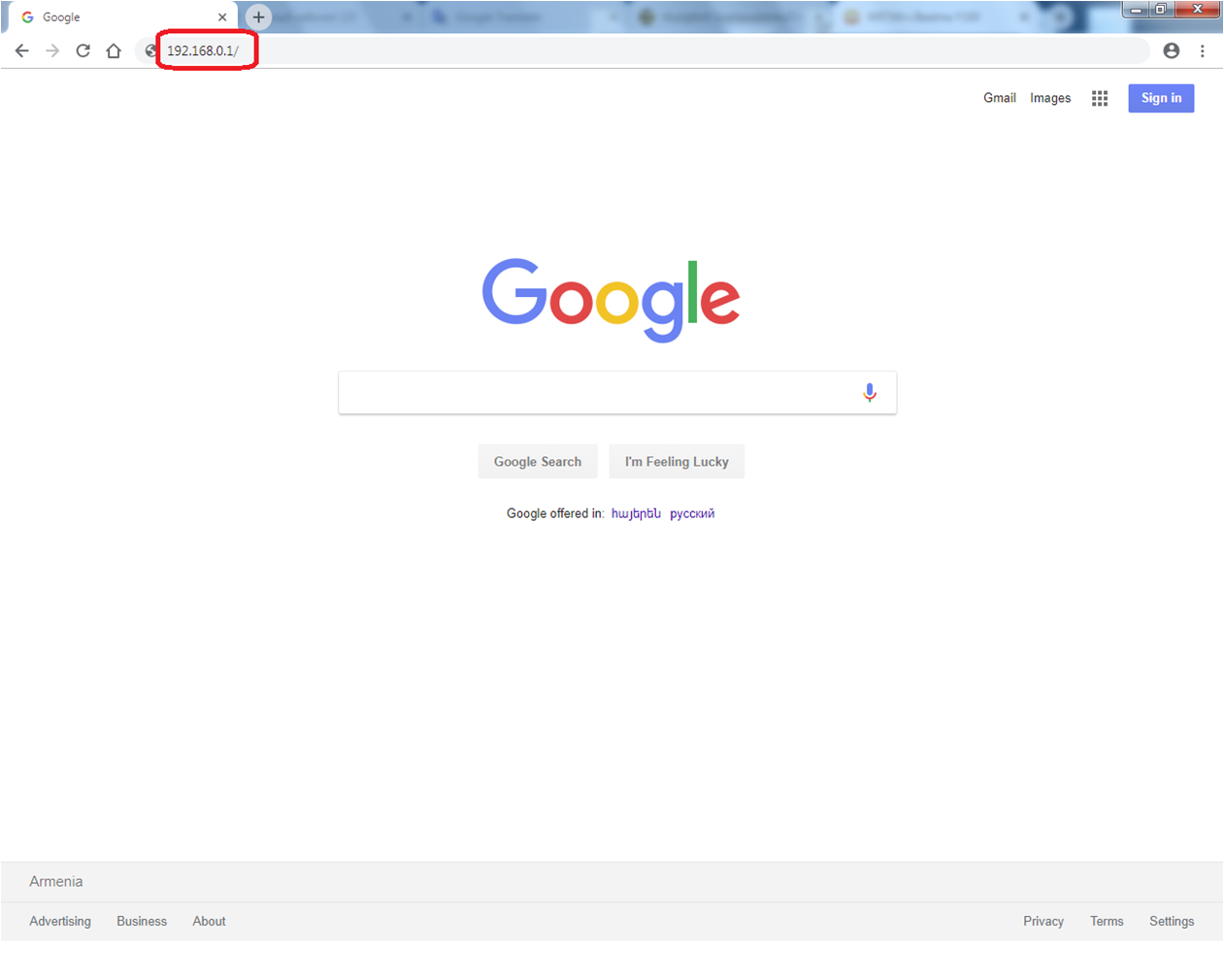
Type http://192.168.0.1/ in the address bar
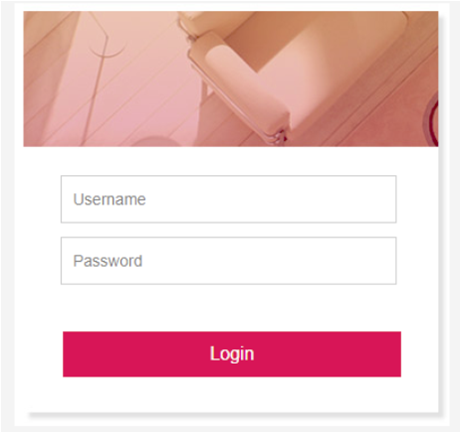
To access the modem configuration in opened window enter the following username and password:
Username – admin
Password- Be7-9Ov1!cS
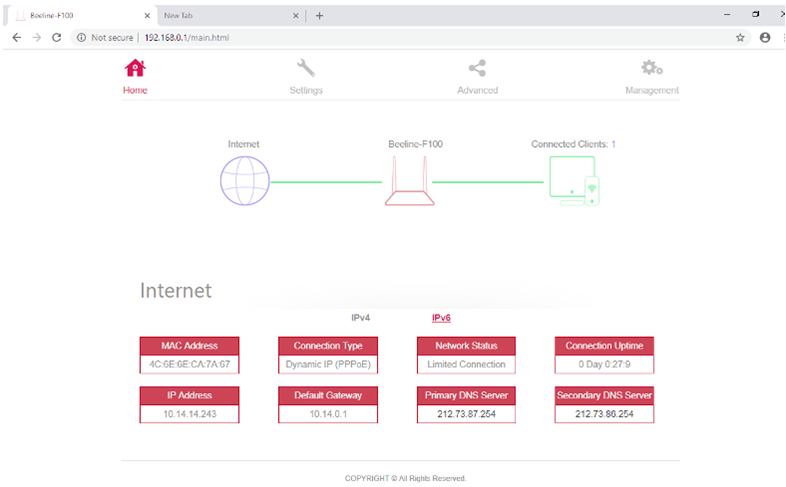
After that you will be taken to the modem web-interface.
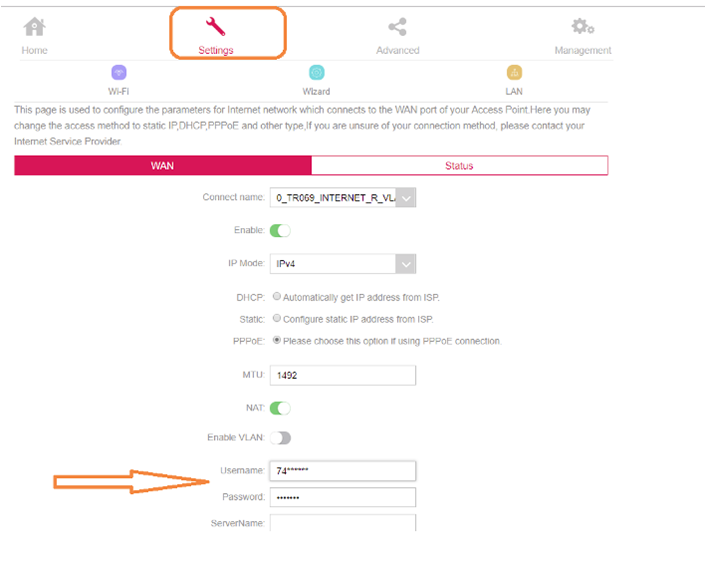
In opened window, select Settings.
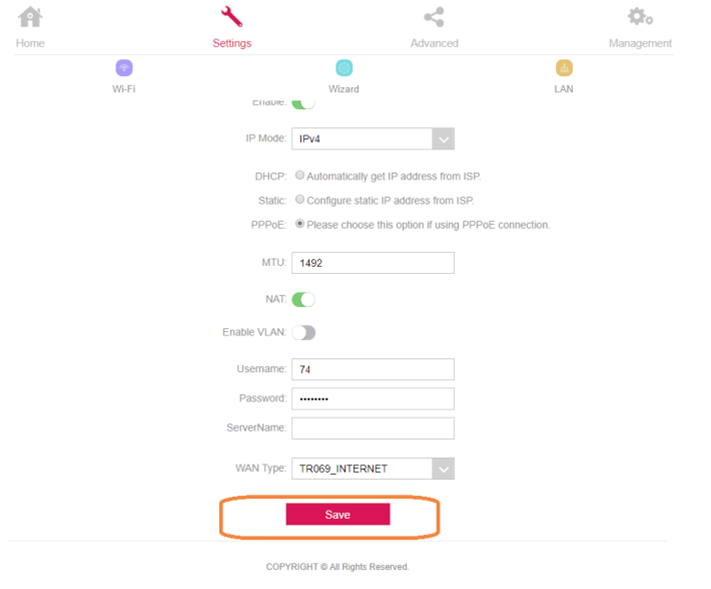
Enter the Username and Password. The data is indicated in your contract.
Select on Save.
Now configure WiFi.
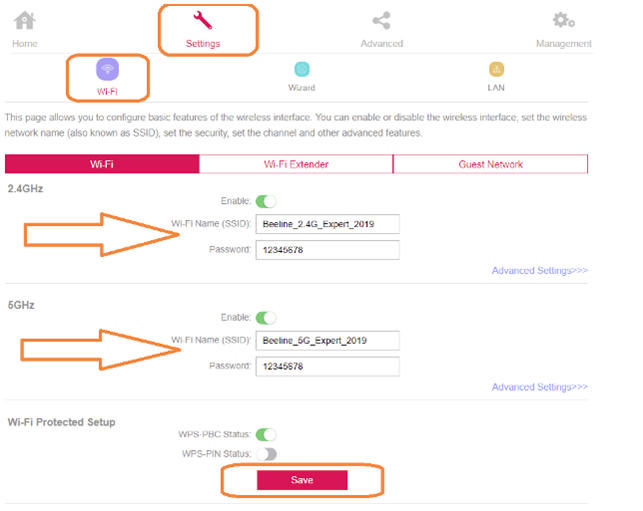
Click the WiFi icon under the Settings tab.
In opened window enter the WiFi settings for 2.4 GHz and 5 GHz.
WiFi name (SSID) - your WiFi name:
Password - password (minimum 8 characters).
Select on Save.
Modem setup is complete!