


- Home
- Private Clients
- Help
- Device settings
How to configure the router TP-Link TD 8817
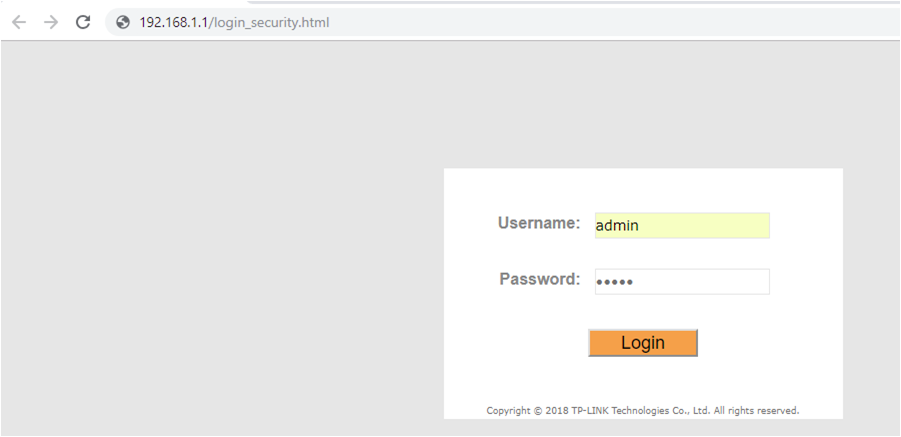
To configure the modem TP-Link TD 8817 In the address bar, enter http://192.168.1.1. To access the modem configuration, enter the following username and password in the opened window: Username: admin Password: admin
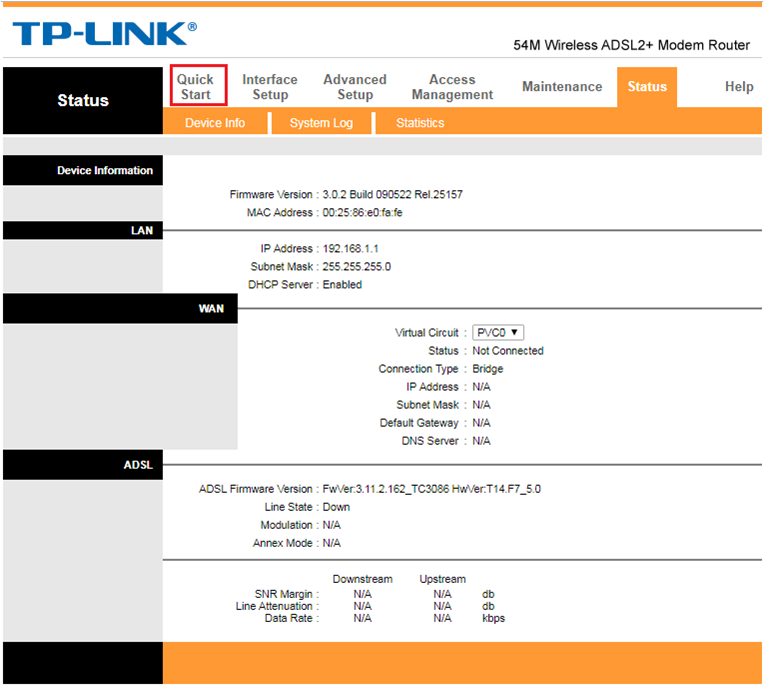
After that, you will be taken to the modem's web interface. In the opened window select Quick Start.
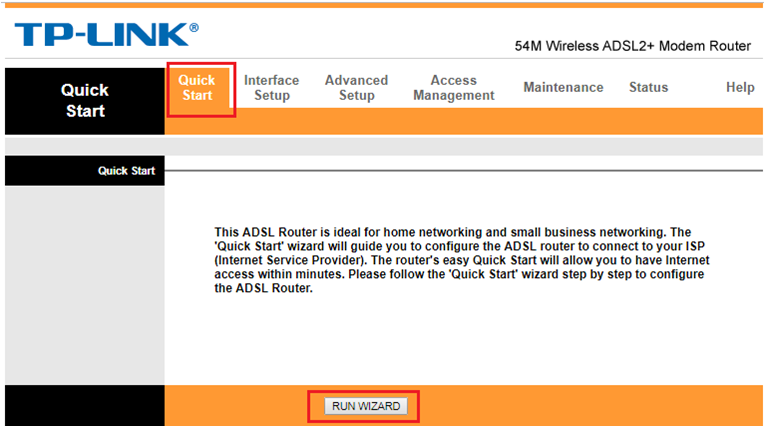
In the opened submenu, click on the RUN WIZARD.
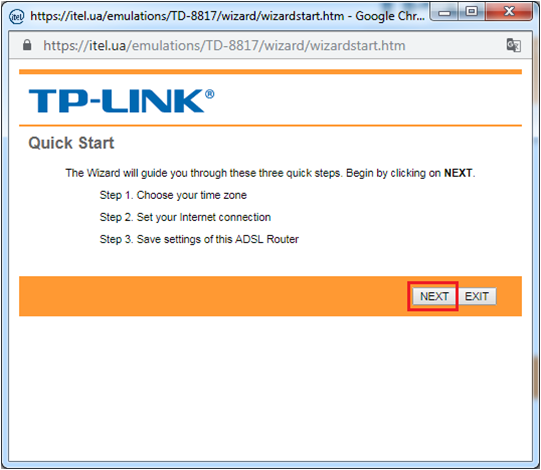
In the next window, click on the Next.
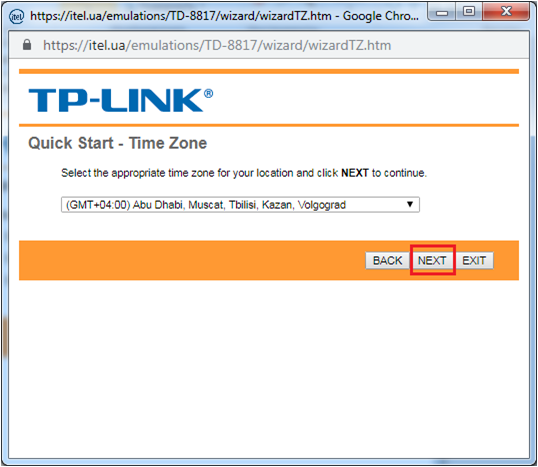
Time zone left unchanged and click Next.
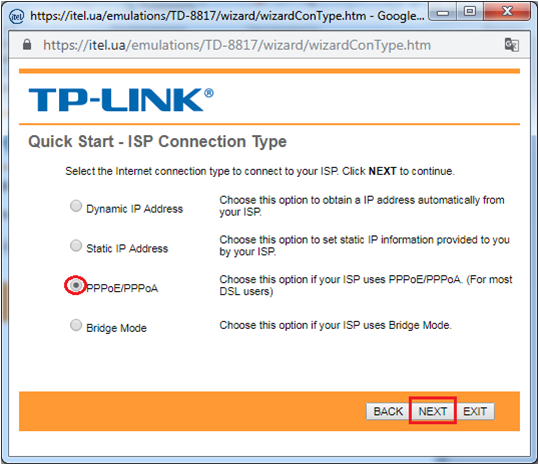
Select PPPoE / PPPoA and click Next.
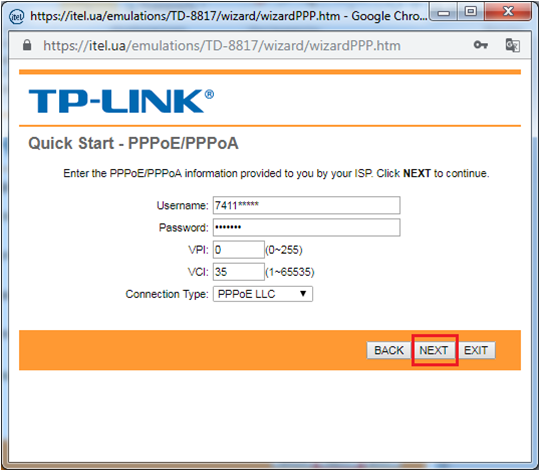
In the opened window fill necessary fields VPI— 0 VCI— 35 Username – 74******** Password- 74********
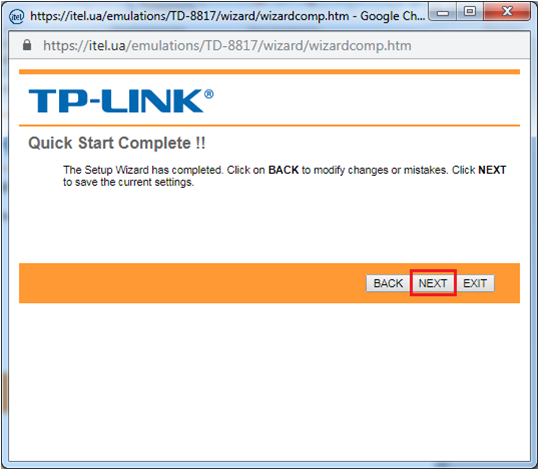
Click Next
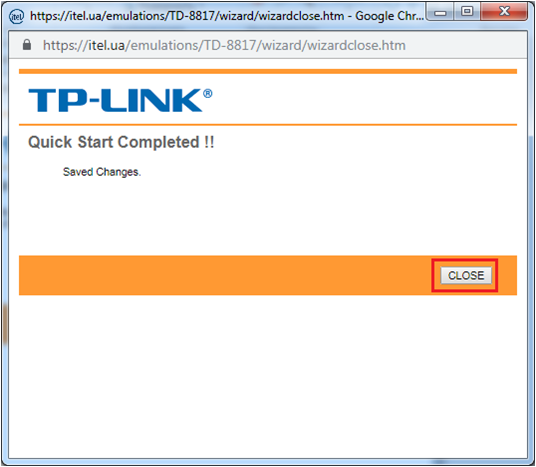
In the last page select Close.