To configure the modem D-Link DSL 2500U
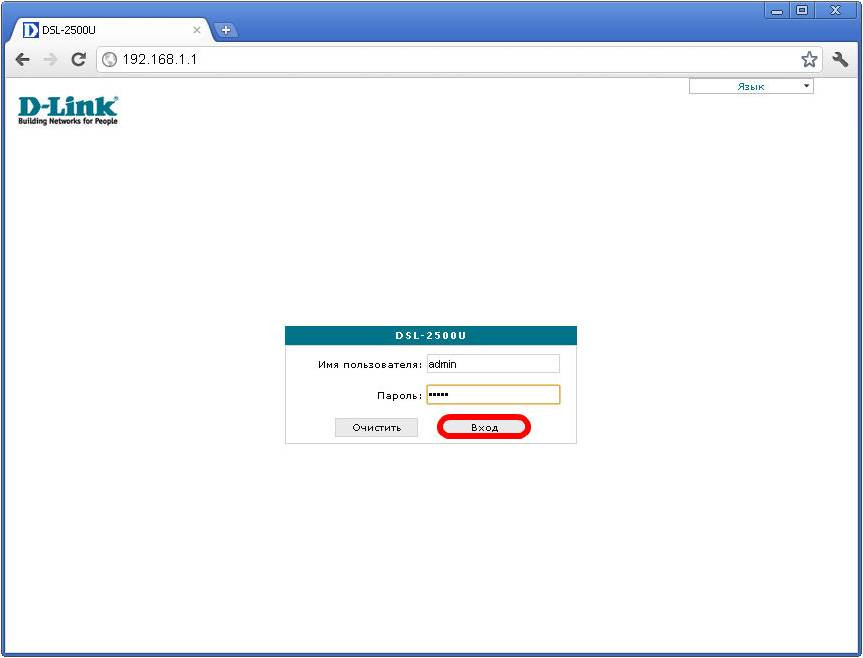
In the address bar, enter http://192.168.1.1.
To access the modem configuration, enter the following username and password in the opened window:
Username: admin
Password: admin
Then click - Enter
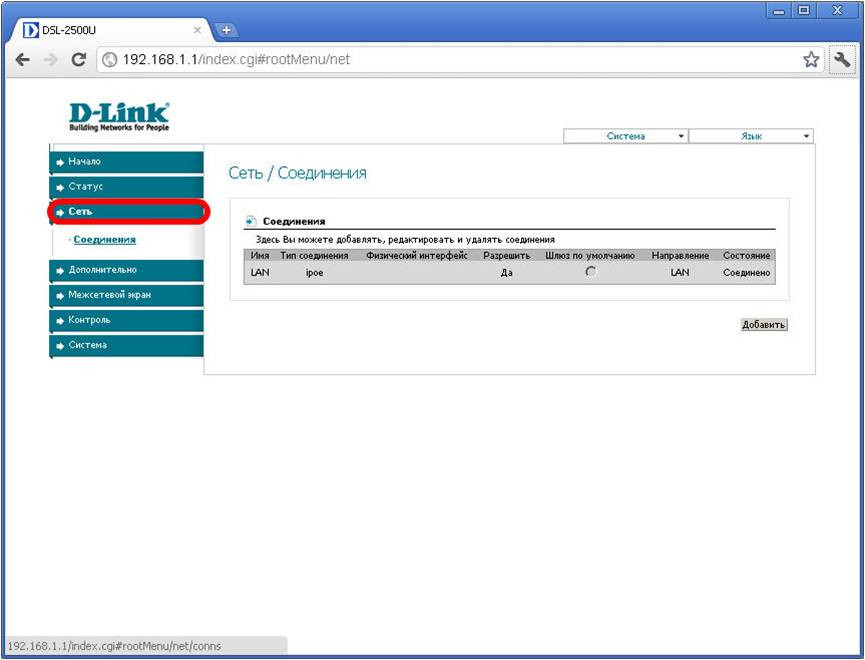
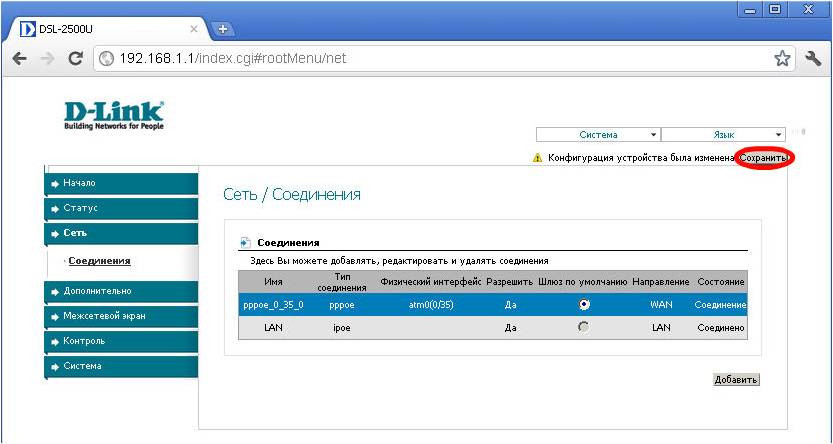
Click Network - Connections - Add
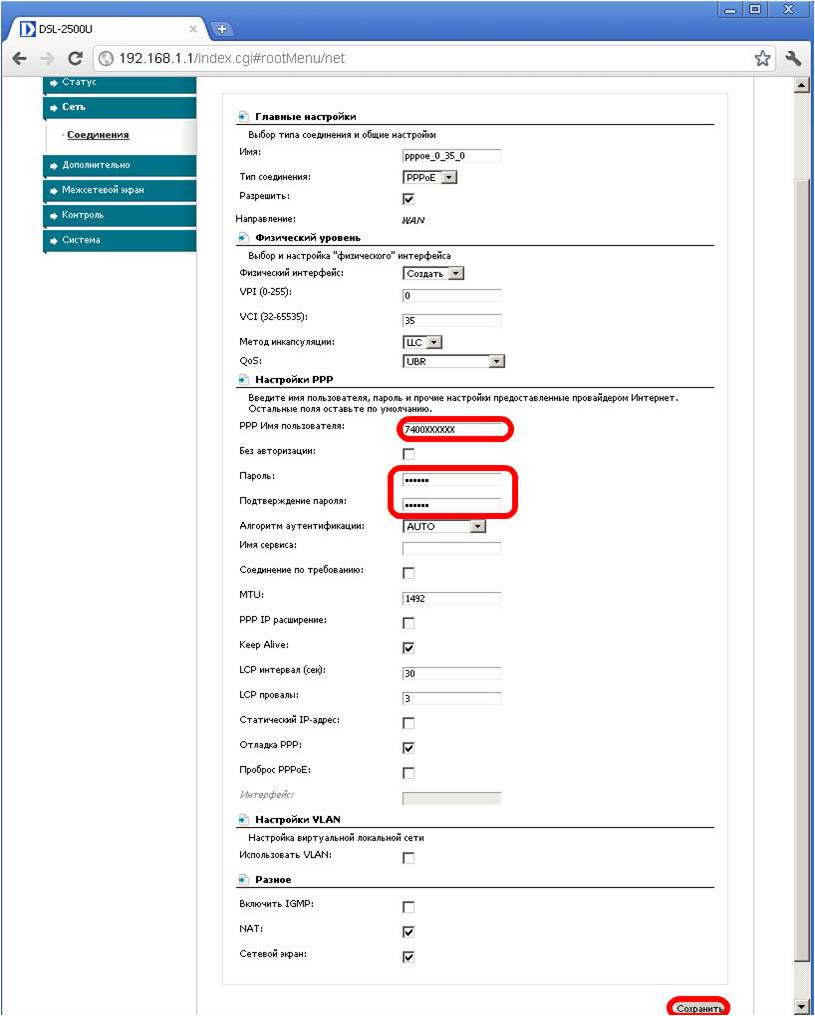
Fill in the required fields:
In the "PPP Username" field, enter your login
In the field “Password” and “Confirm password” enter password.
Login and password specified in your contract
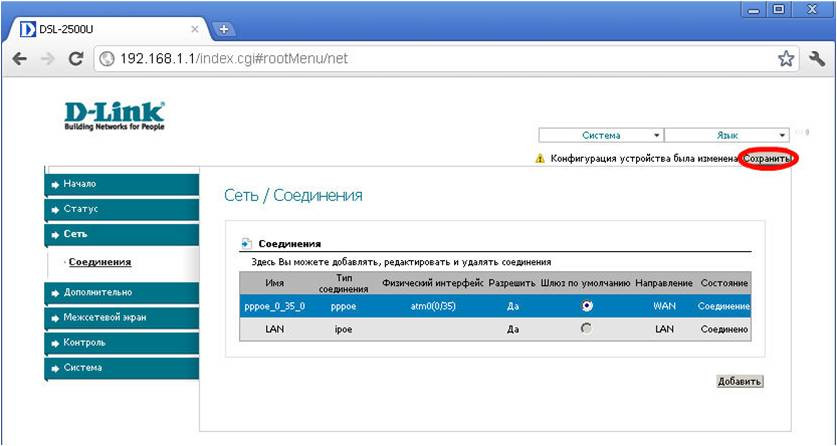
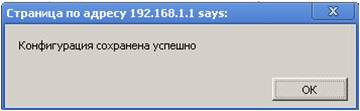
And click Save