How to configure the Port forward TP-Link TL-WR842ND
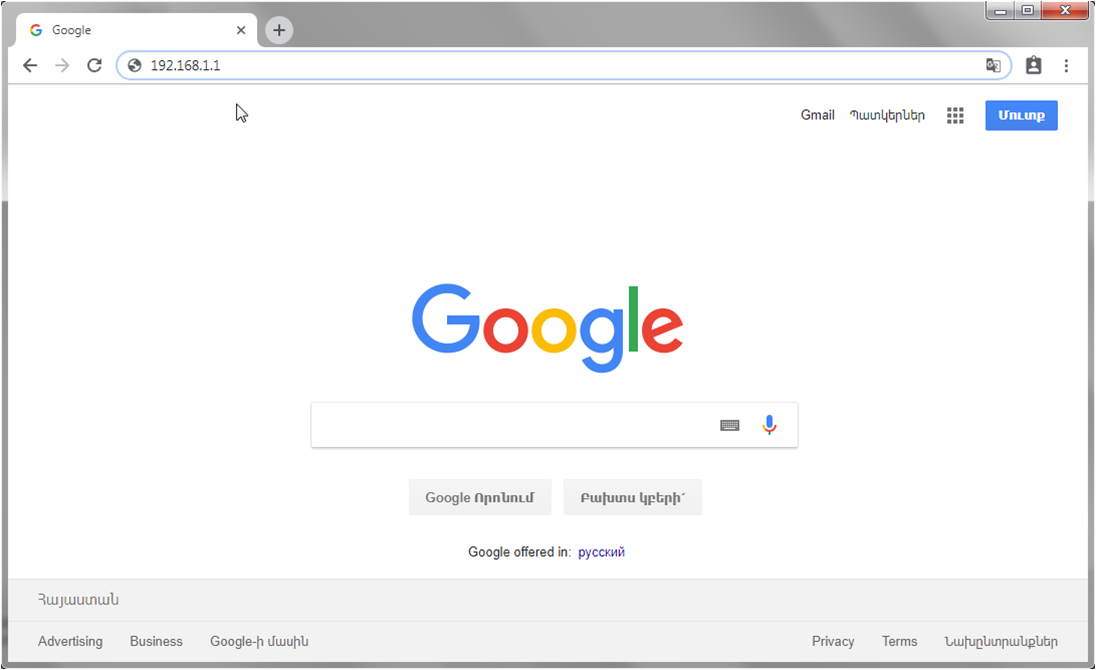
Open browser,
In the address bar, enter http://192.168.0.1
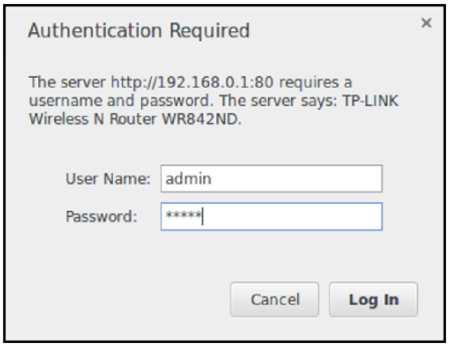
In the opened window, in “Username” and “Password” fields input admin and click “Log In”.
Step by step instructions for port-forwarding
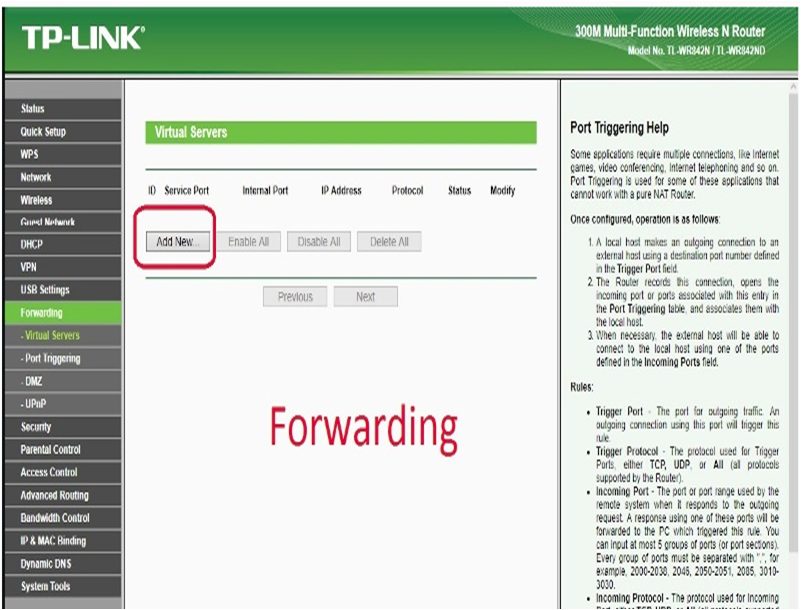
in the opened window select Forwarding, after which click on Add New,
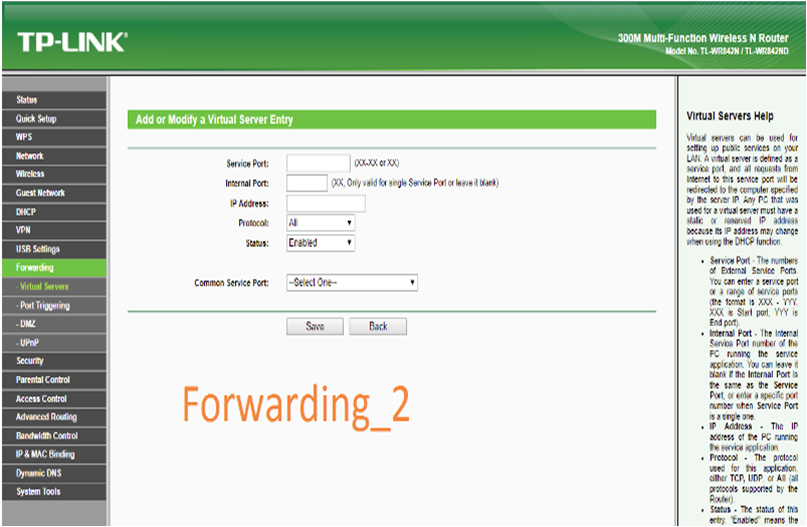
Service Port/Internal Port- enter the range of ports, which you want to open,
IP address- register local IP address, received by your DVR,
Click on Save.
In this step port forwarding has been completed!