How to change the name or password for WiFi D-Link DIR 300 / D-Link DIR 300A
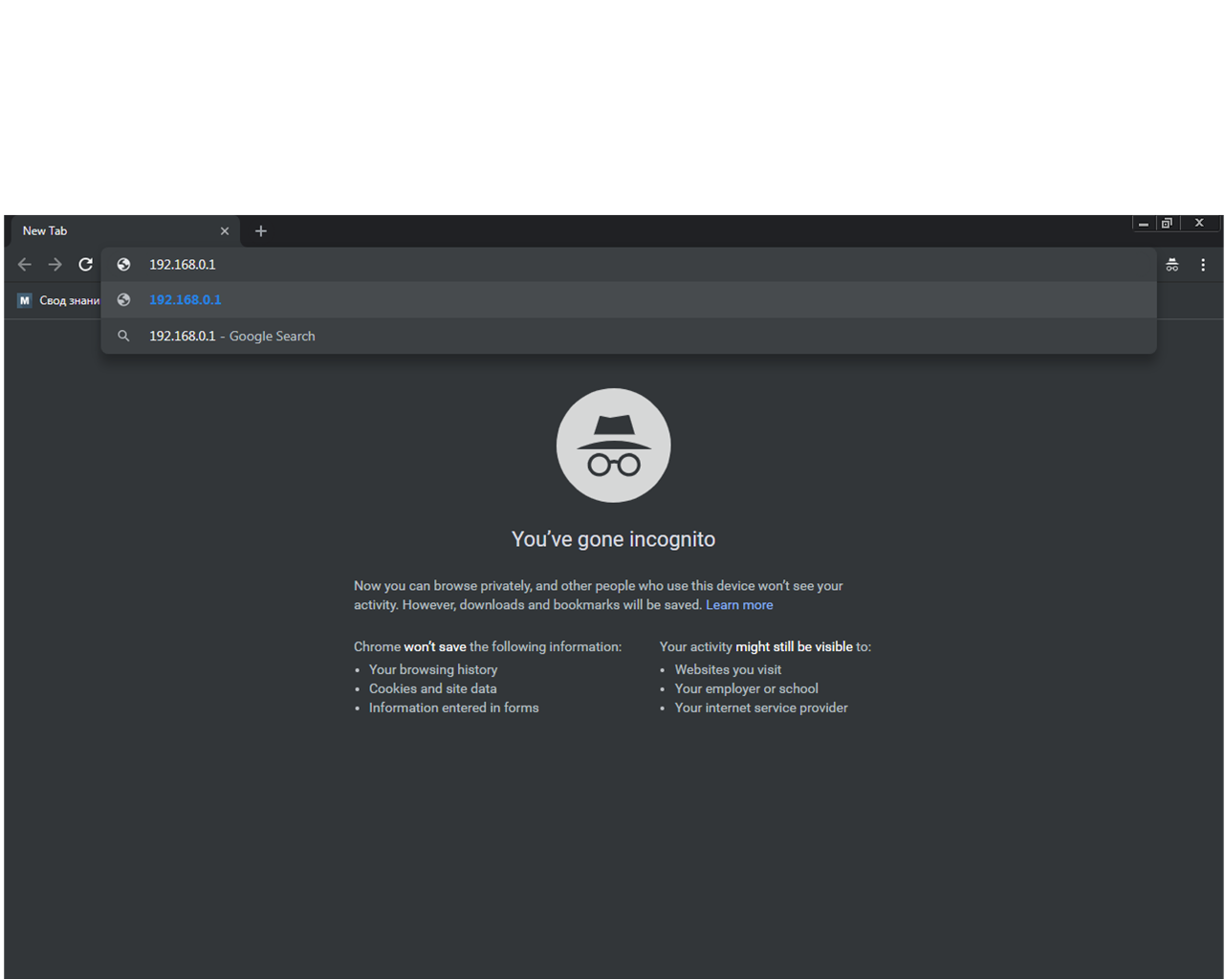
Open browser tab
In the address bar, enter 192.168.0.1
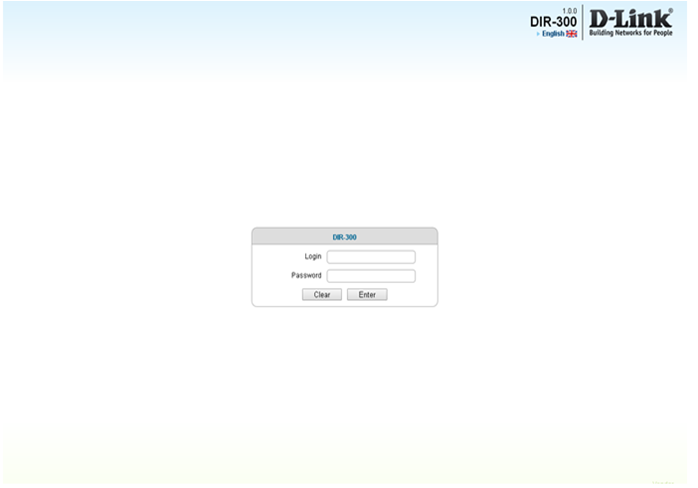
In the field “Login” type - admin
In the field "password" - 12345, then click on "Enter"
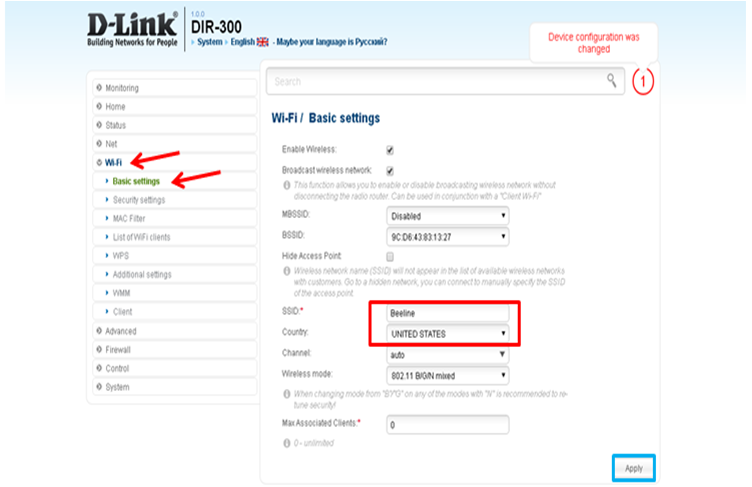
Open WiFi menu
Then open the submenu Basic settings
In the field "SSID" enter the name of the Wi-Fi connection
Click Apply
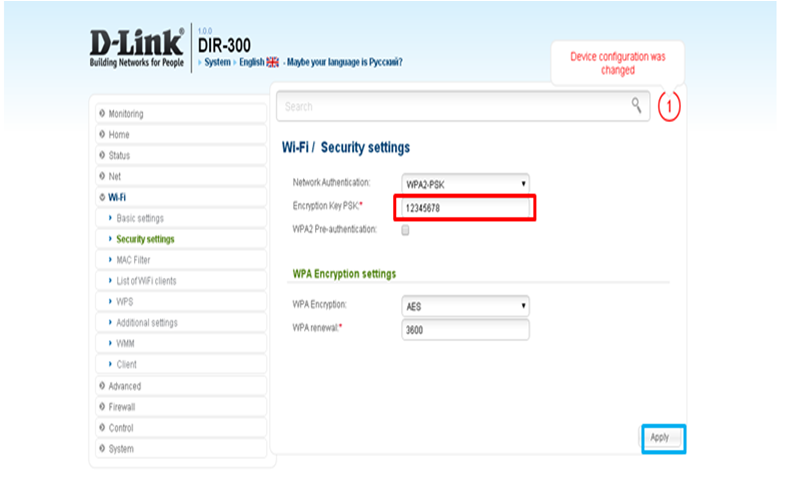
Then open the submenu Security Settings.
Network Authentication - select the last row of WPA2 - PSK mixed
In the Encryption Key PSK field - write down the new password for accessing the wireless network (minimum 8 characters)
Click Apply
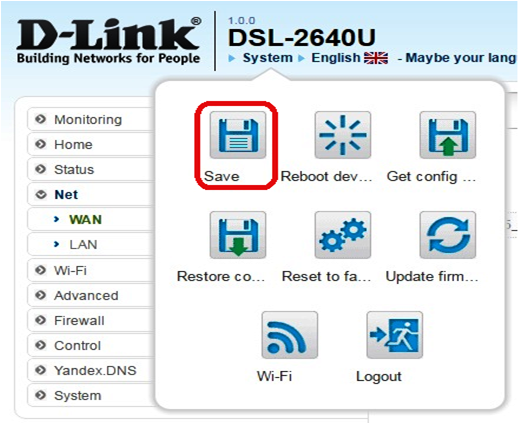
Select the System submenu and click on Save.
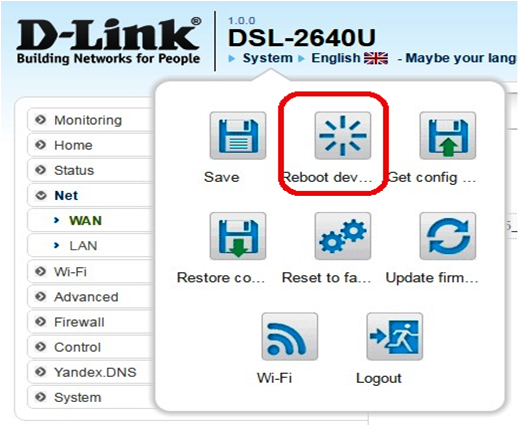
After saving, click on the Reboot device in the System submenu.